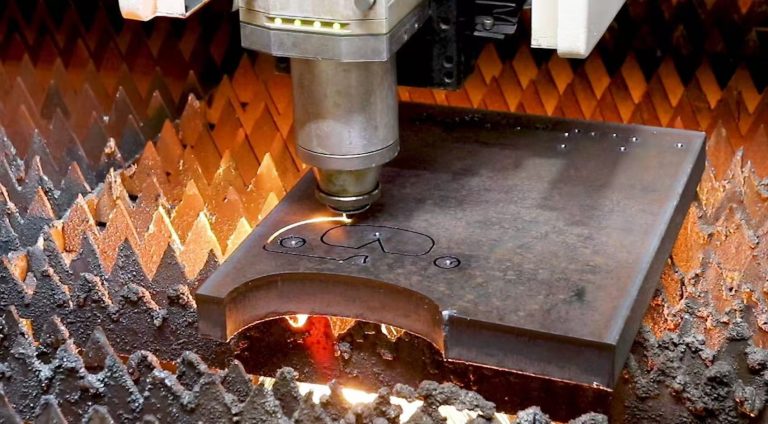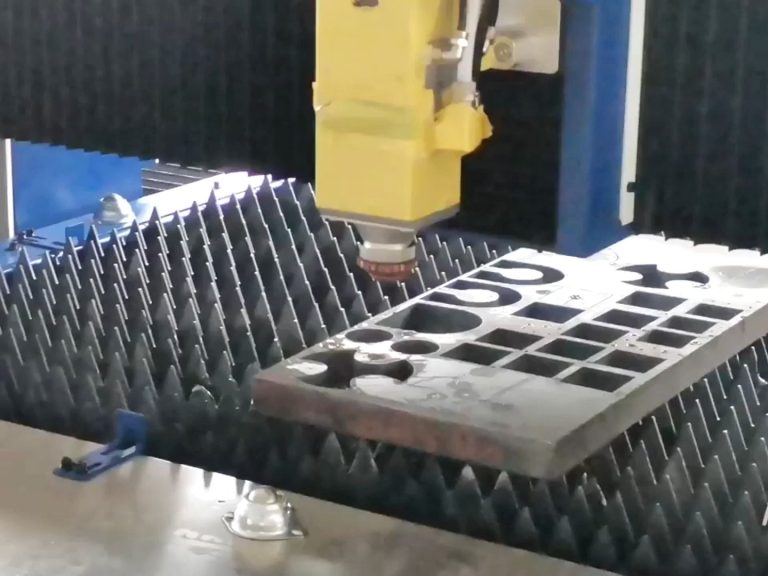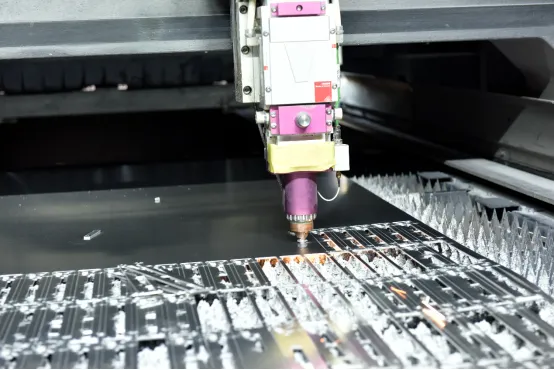
Dross is resolidified metal that clings to the underside of a laser-cut part. Its location is a useful first clue. Before adjusting power, compare the underside of a straight cut, a corner and the area around the pierce. The pattern helps you decide whether to check the nozzle, the cut recipe or the lead-in.
Dross on one side of the cut
Make two straight test cuts in perpendicular directions on the same sheet. If the buildup is consistently heavier on one side, inspect the nozzle for damage or contamination and verify nozzle centering using the machine builder’s procedure. An off-center gas jet can clear molten metal unevenly. Recut the same test pattern after the check.
Dross along both edges of a straight cut
Check that material grade, thickness, nozzle and assist gas match the stored cut recipe. Then test cutting speed and focal position one at a time, within the machine builder’s recommended range. Similar-looking deposits can result from different settings, so compare test pieces before changing another variable. See the guide to laser cutting parameters that affect edge quality for the role of focus and nozzle diameter.
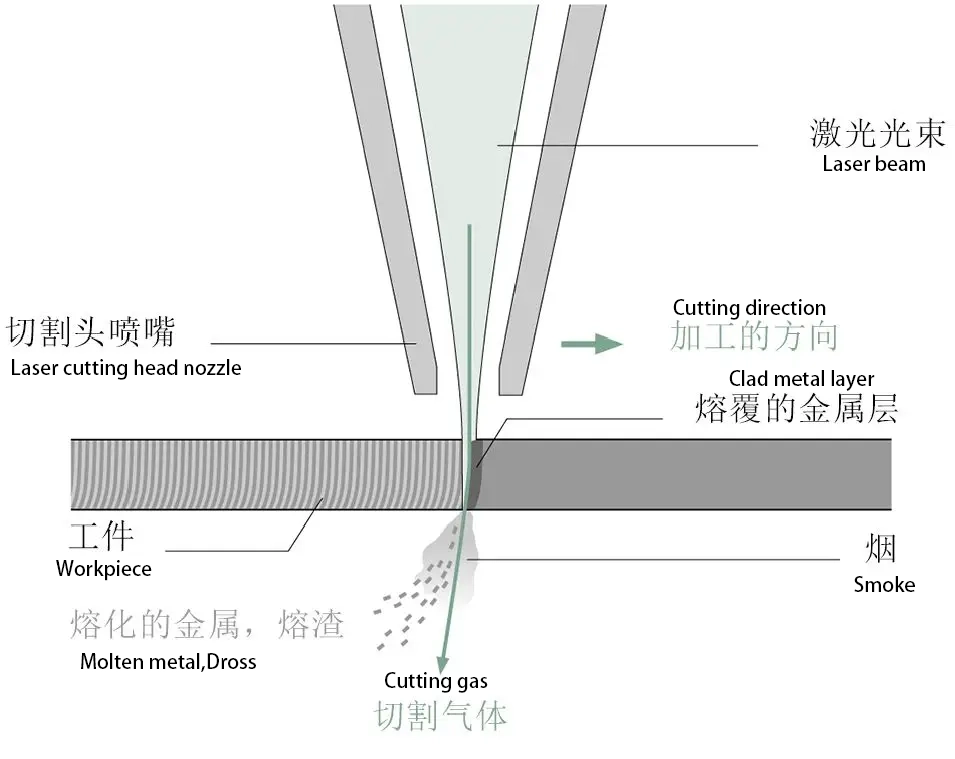
Dross near corners, small holes or the pierce
If straight edges are clean, check whether the deposit follows a tight contour or starts at the entry point. Test the same geometry with the controller’s recommended corner or small-hole settings. If the defect follows the pierce, review the laser piercing troubleshooting guide before changing the entire contour recipe.
Repeat the test on a production part
Record the material, thickness, nozzle, gas, speed and focus for each sample. Compare the underside, edge finish and cleanup time before saving the recipe. If changing the gas is part of the trial, use the comparison of oxygen, nitrogen and compressed air to account for edge oxidation and downstream cleanup.
Technical reference: Raycus fiber laser cutting parameter and edge-defect guide (Chinese).